Overview
The open source example app demonstrates a complete Cloneable SDK integration. Open the repository:Cloneable-Example-iOS-App
Requirements
To run the app, you need:- A Cloneable account to authenticate with the SDK.
- Xcode 15 or later
- Swift 5.9 or later
- A device running iOS 17 or later.
Clone the app
Clone the repository:Configure signing and capabilities
In Xcode, select your team for the target’s signing settings: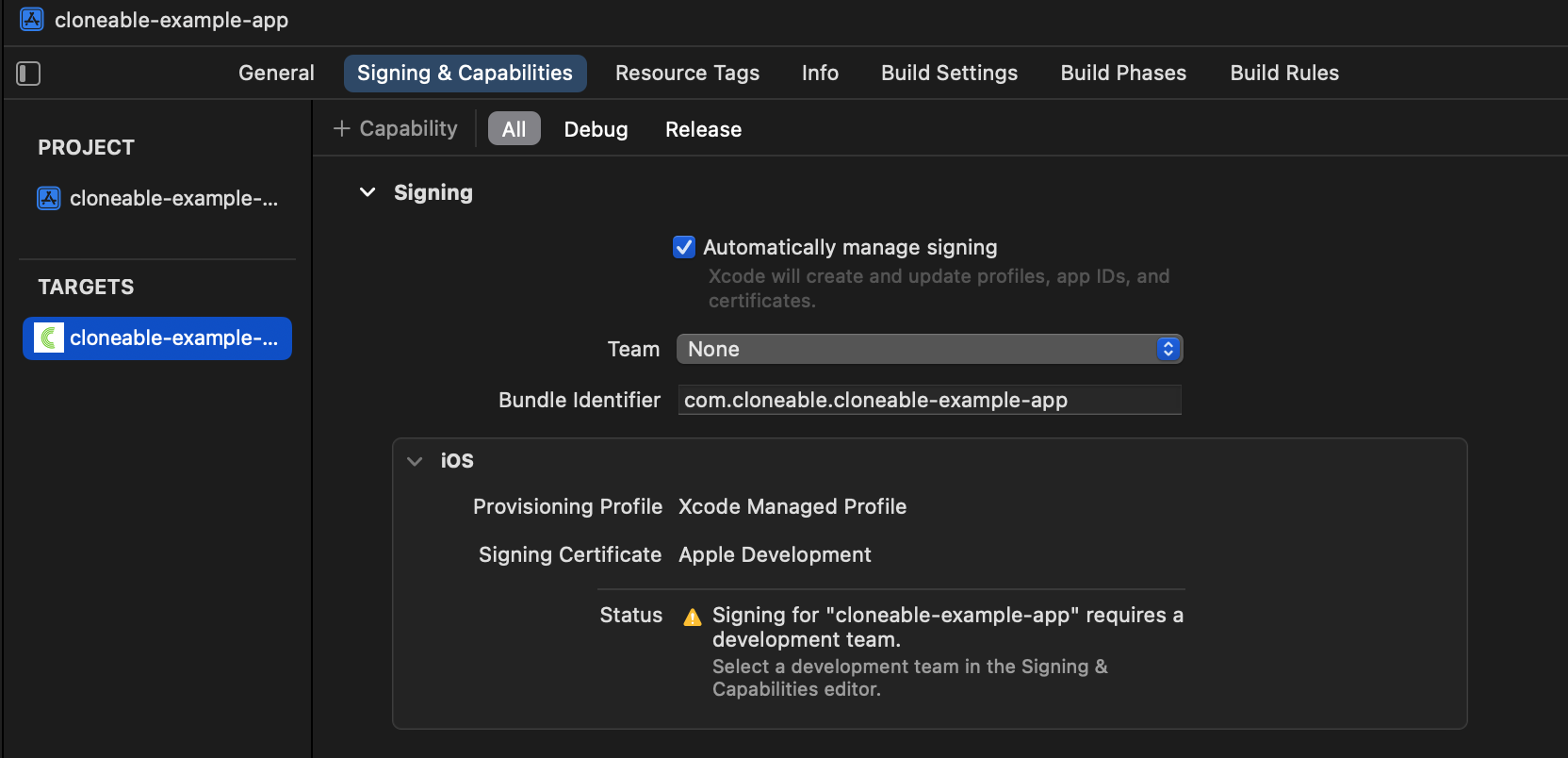
Resolve dependencies
Wait for the Cloneable SDK dependency to download and resolve. The package is approximately 1 GB.
Build and run the app
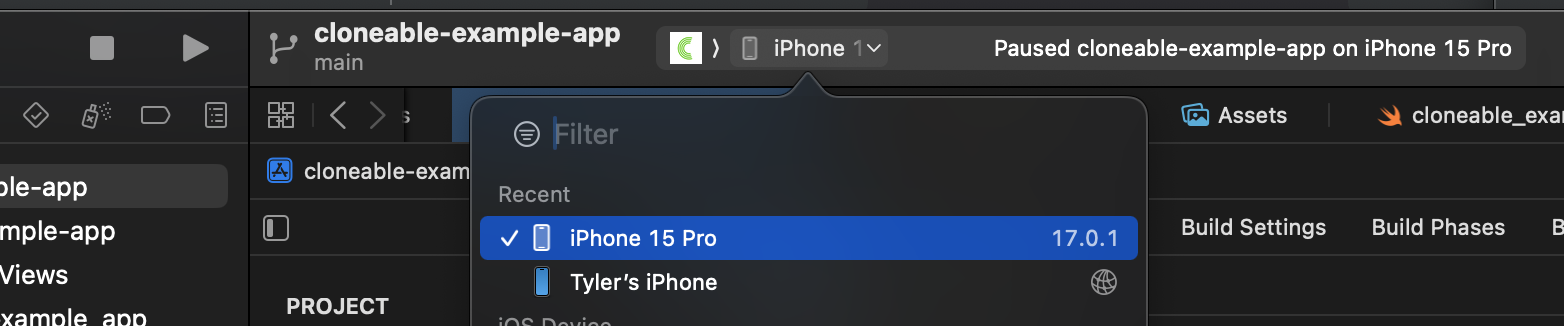
Set the deployment target to a simulator or device running iOS 17 or later. Build and run the app withCMD + R or the Run button: