

- Points: poles, midspan measurements, custom points and guy anchors.
- Lines: spans, custom lines and polylines.
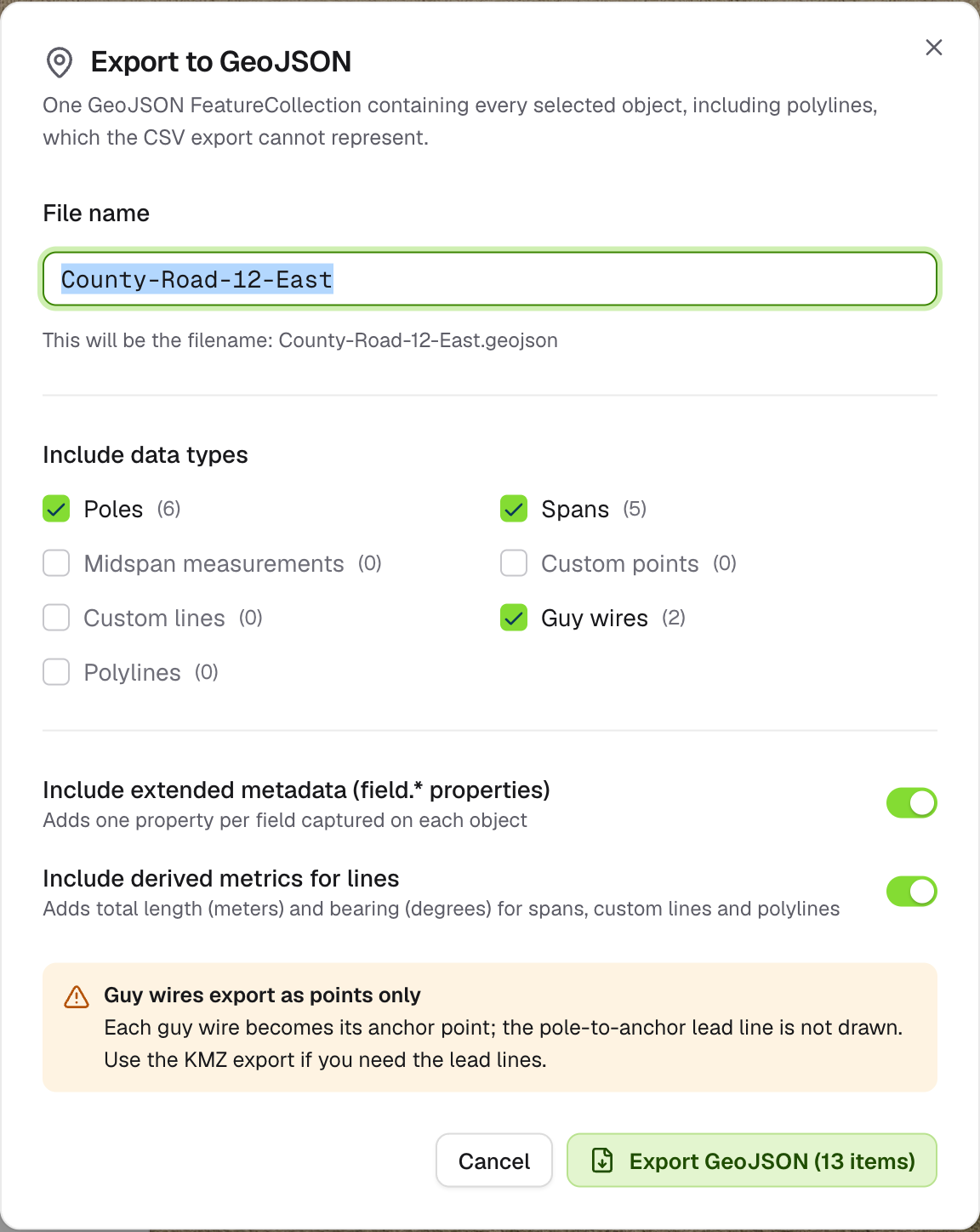
Export to GeoJSON
Options
Click Export GeoJSON. The file downloads straight away.
What’s left out
- Guy wires export as their anchor point only. The lead line from pole to anchor isn’t drawn. Use KMZ if you need lead lines.
- Objects without a usable location are left out, and you’ll see “GeoJSON exported with N omissions”. A line is never drawn with a missing end.