

- Open the job on the map.
- Click Export data in the map toolbar. To export only some objects, select them first and use Export… instead.
- Choose a format.
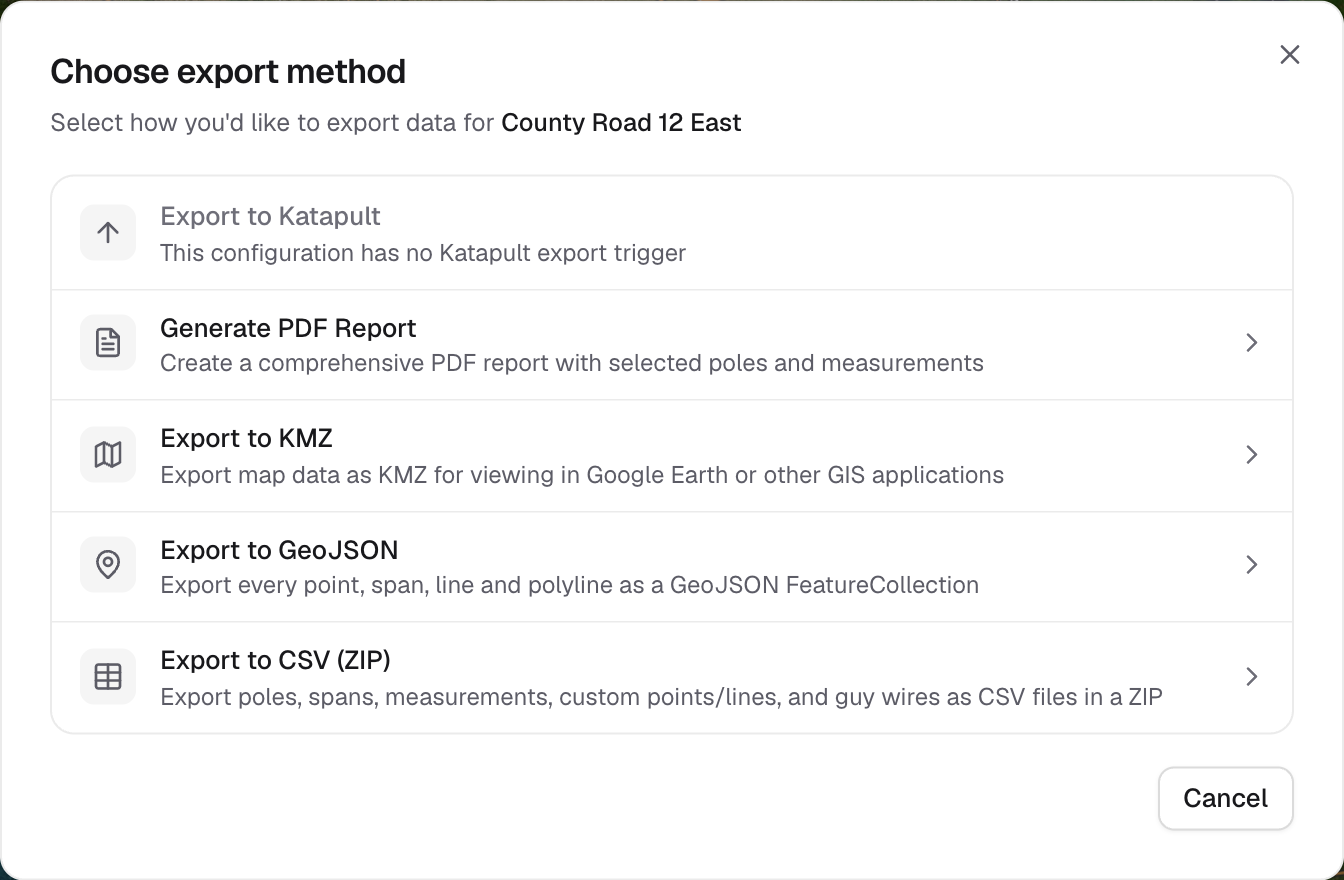
Choose an export method
Which format?
Before you export
- Not every format holds everything. PDF has no pages for spans or polylines, CSV leaves out polylines, and GeoJSON exports guy wires as their anchor point only. Each dialog says what will be left out.
- File exports happen in your browser and download straight away. Large jobs with photos can take a few minutes, so keep the tab open.