

Requirements
Open Cable Tracing
1
Open the job on the map
Go to Utility Map and choose one job. Cable Tracing works on one job at a time.
2
Click Cable Tracing
In the map toolbar on the left, hover over the cable icon shown below until you see Cable Tracing, and then click it.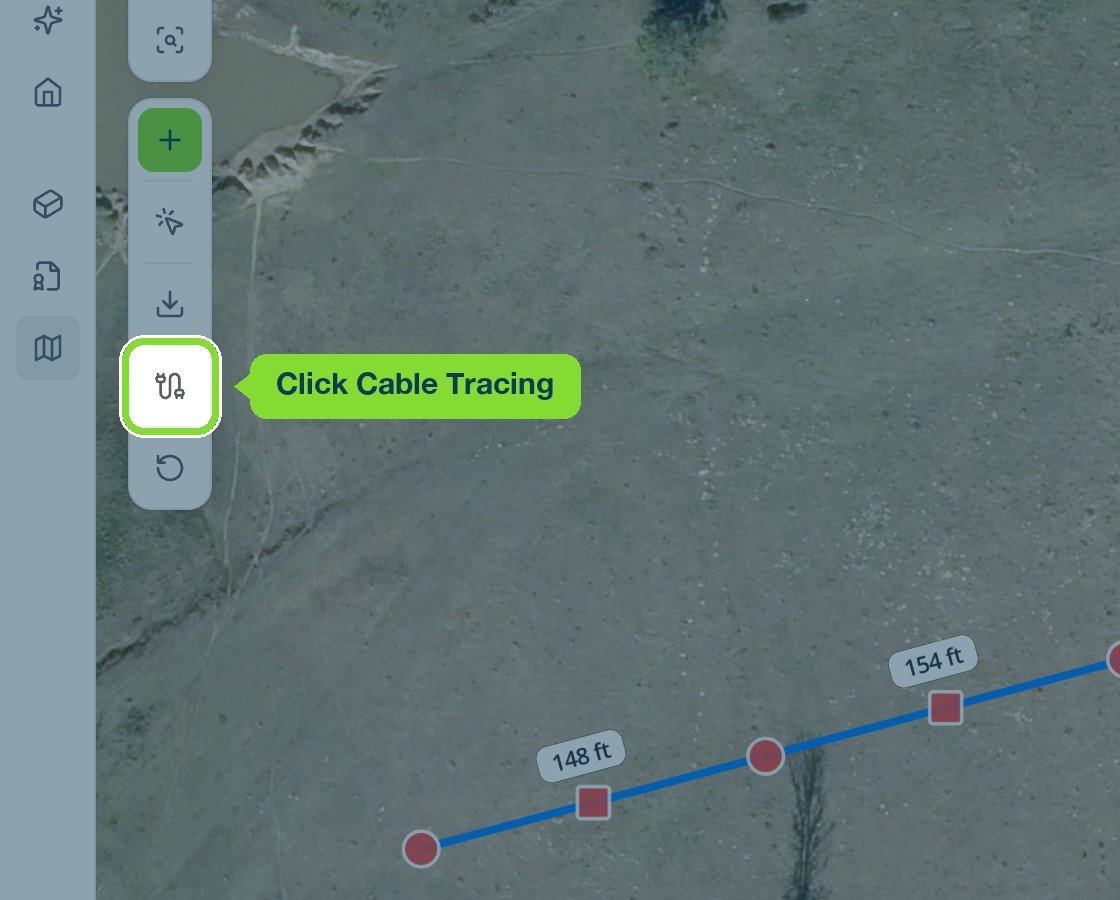
If you can’t click Cable Tracing
Hover over the button to see why it’s unavailable.
Next: Trace a line.